PC port · Windows & Linux
Carnivores: Dinosaur Hunter HD
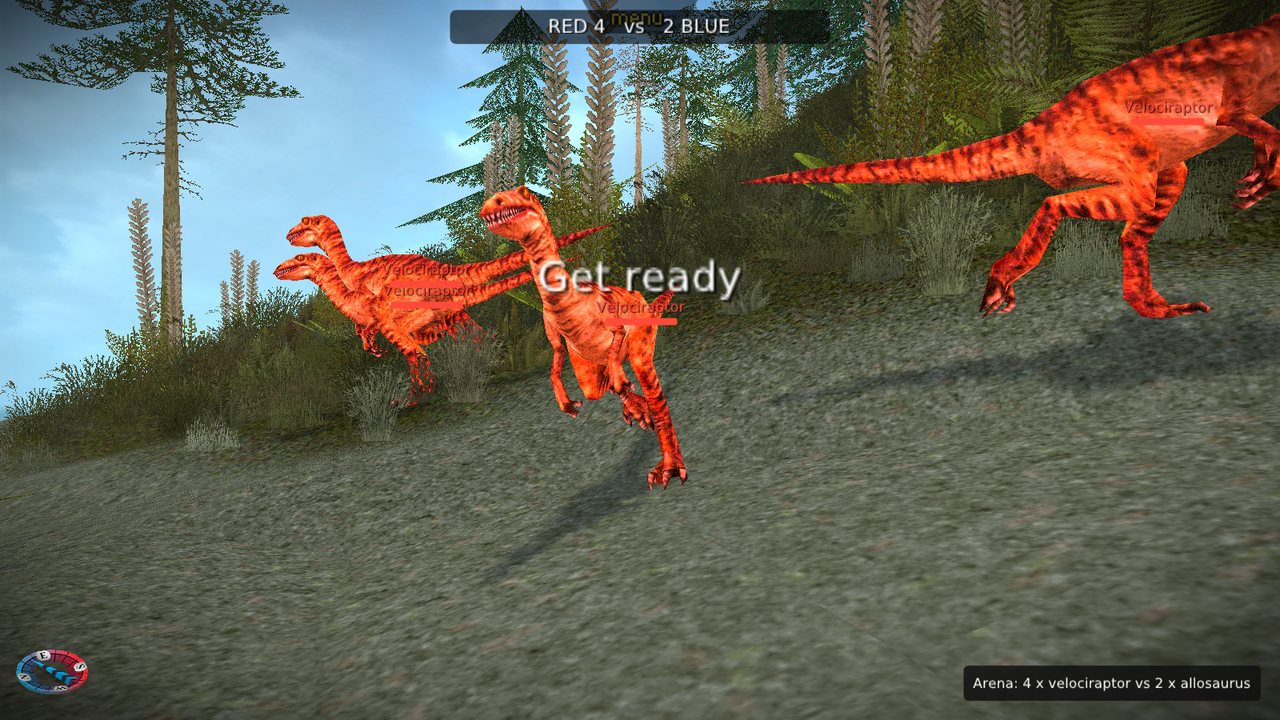
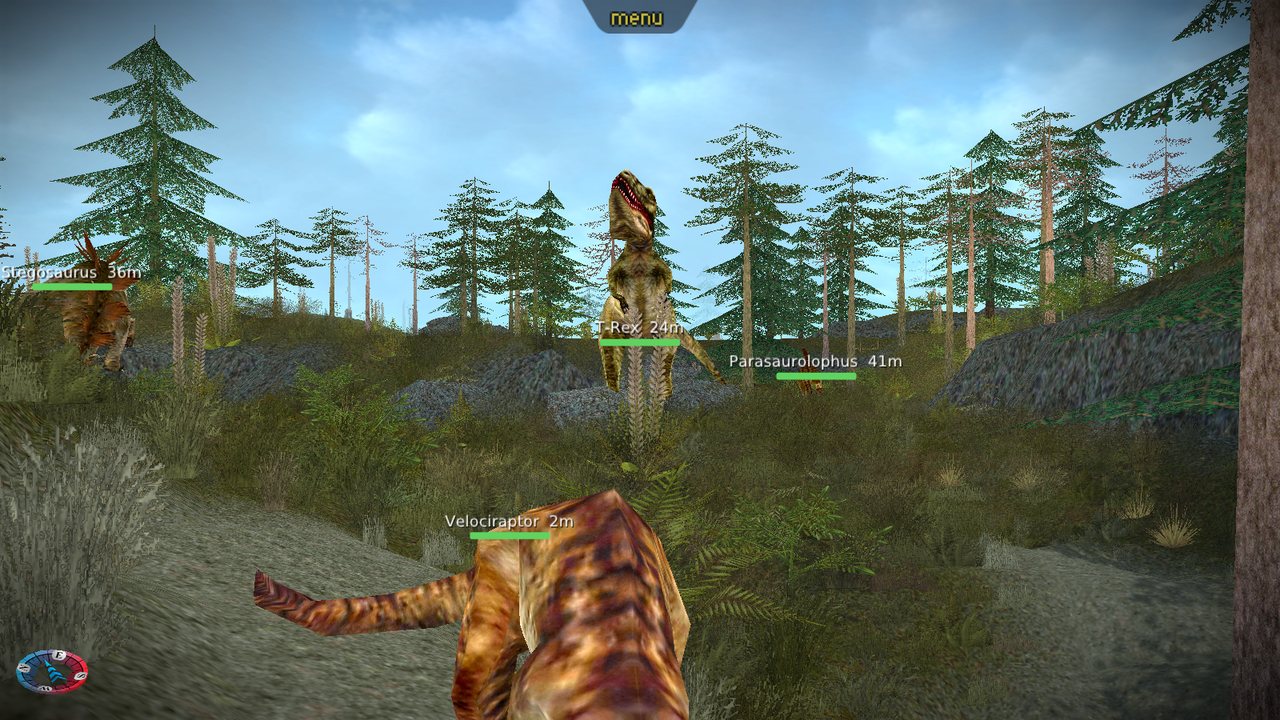
The hunting classic on PC, with mouse and keyboard — and mods for everything: new dinosaurs, weapons and maps, Lua script mods with their own menus, multiplayer.
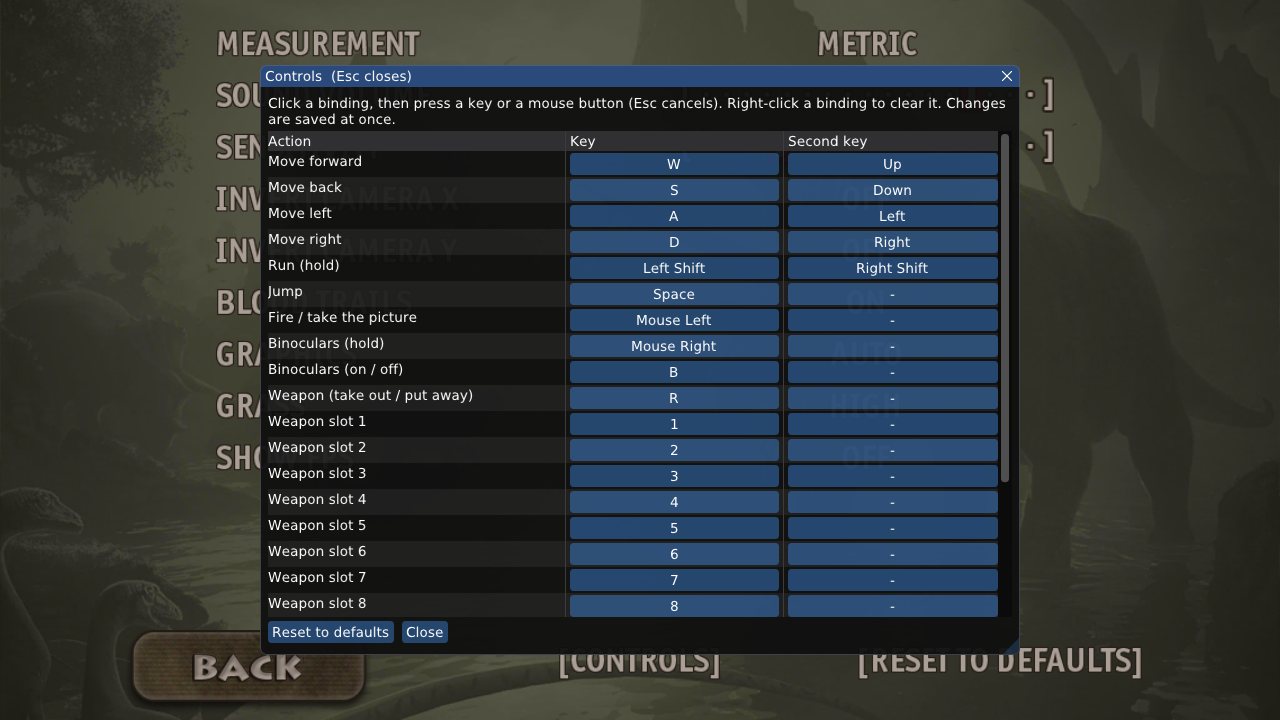
Mouse and keyboardPC controls from the start, every key rebindable, any window size, Windows and Linux.
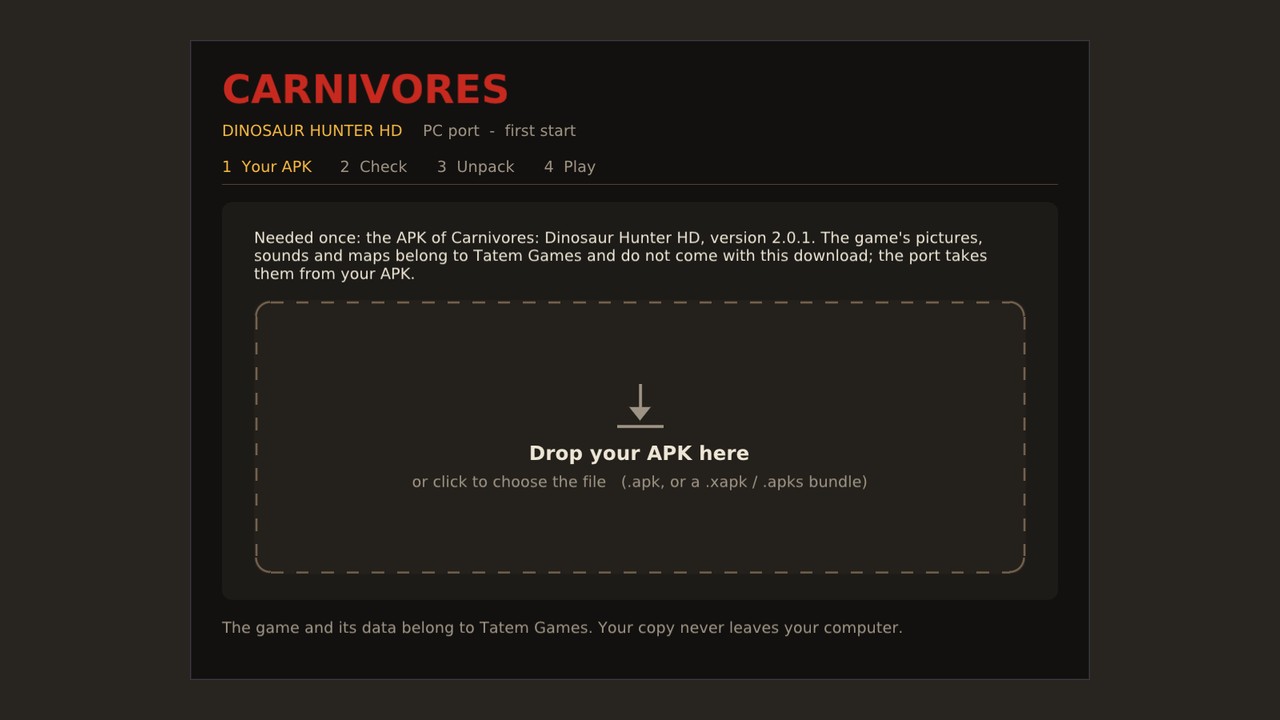
Your own copyBring the Android game's APK once: the first start checks it and unpacks the game data.
File modsReplace textures, models, sounds, maps and texts by dropping files into a mod folder.
Content packsNew dinosaurs, weapons and maps in the hunt menu, and every price and rule, in plain JSON.
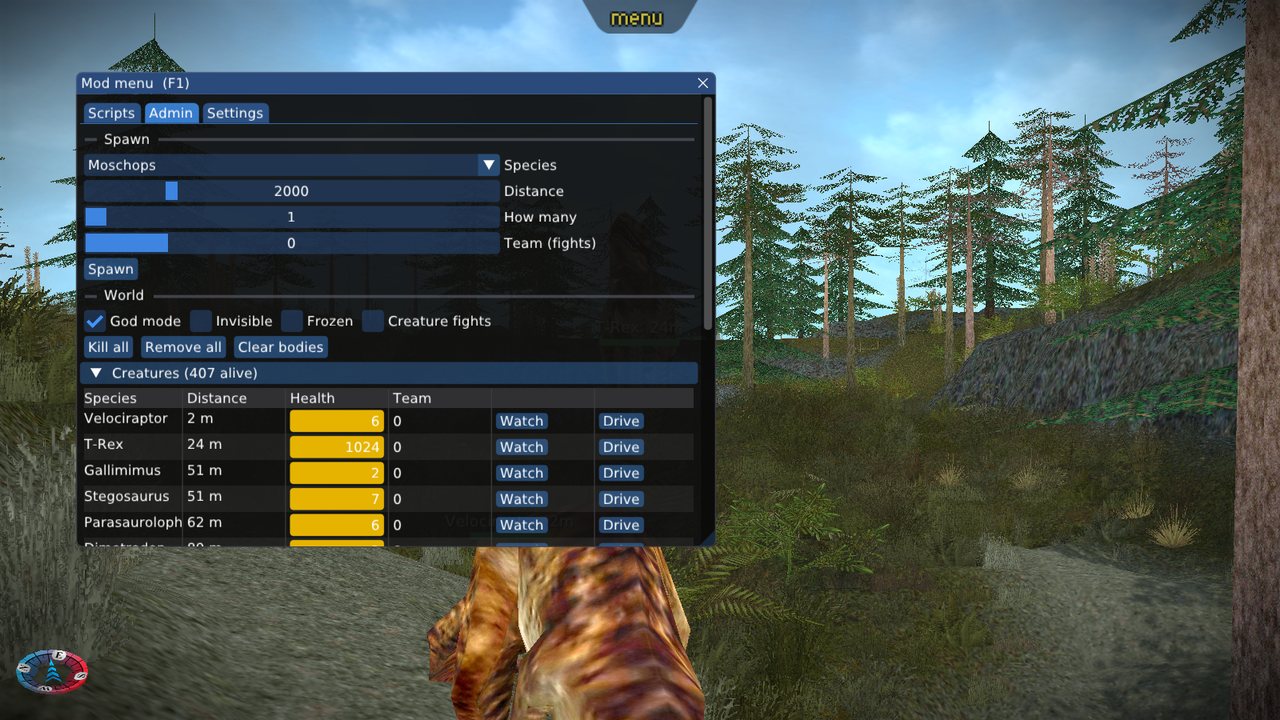
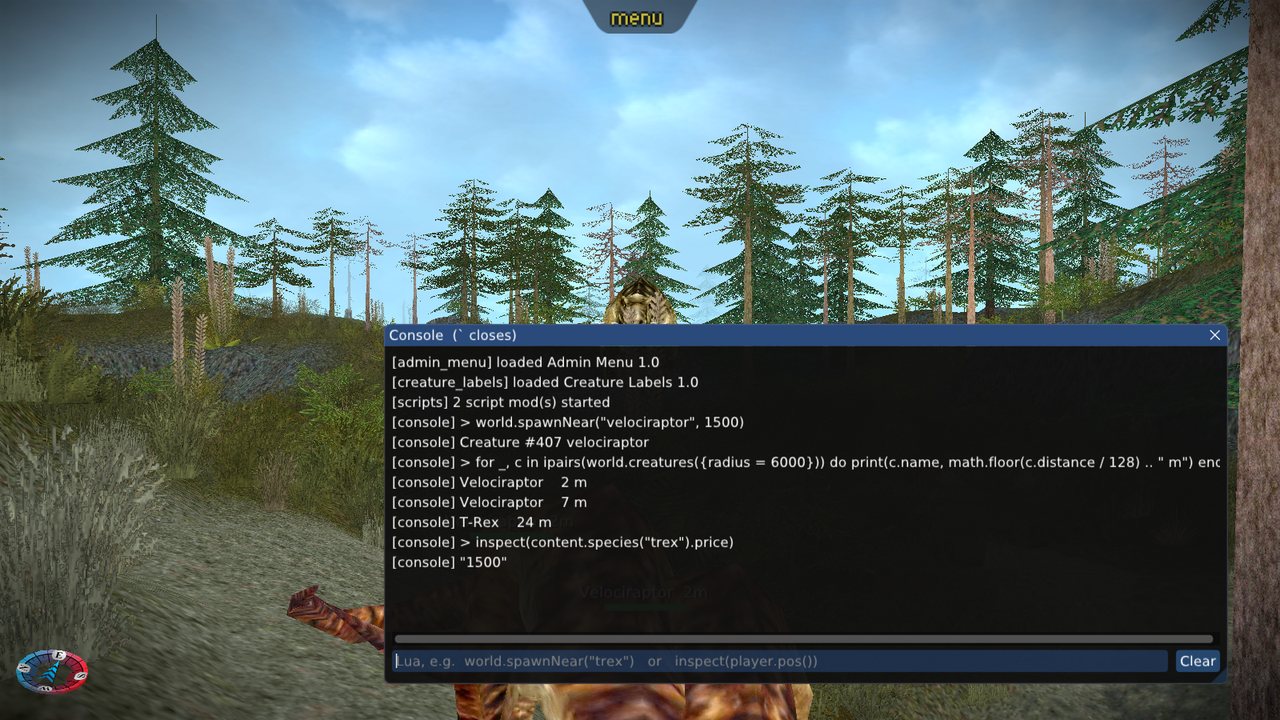
Lua scriptingEvents, creatures, the hunter, HUDs, menus, sounds, saves: a full API with an in-game console.
MultiplayerHost or join a hunt: mods get networking and an automatic sync of creatures and players.
Play
- Download the zip (Windows) or tar.gz (Linux) from the latest release and unpack it anywhere.
- Start
carnivores.exeor./carnivores. - Drop your APK of Carnivores: Dinosaur Hunter HD 2.0.1 onto the setup window. Done — it happens once.
Modding
The PC version of Carnivores: Dinosaur Hunter HD loads mods: folders or zip files in the game's mods folder.
A mod can do any mix of three things:
| What it is | What it can do | |
|---|---|---|
| File mod | game files with the same names as the originals | new textures, models, sounds, maps, menu art, texts |
| Content pack | JSON files in content/ |
new dinosaurs, weapons and maps in the hunt menu; every price, reward and hunt rule |
| Script mod | Lua code (main.lua) |
anything at run time: spawn and control creatures, game modes, HUDs, menus, shops, events, multiplayer |
Mods combine: a "Velociraptor pack" can ship new models (files), make them huntable with prices (content) and give them pack-hunting behaviour (script). In the game, MODS on the main menu switches mods on and off and orders them, F1 opens the mod menu (script mods' panels and settings), ` opens the Lua console, F9 reloads every script.
New here? Start with Getting started: a working mod in five minutes.
Guides
Getting startedMod folders, load order, file modsScripting basicsExamplesContent packs: dinosaurs, weapons, maps, pricesMultiplayer and networkingData file formatsThe game's filesTroubleshooting
Lua API reference
Eventseverything mods can react toGlobals and the sandboxprint, require, on, inspect, class and the standard library a mod gets.events (on, emit)Listen for game events, add your own, talk to other mods.gameThe game's state: stage, hunt, version, screen, messages.playerThe hunter: position, view, health, items.worldCreatures: spawn, find, kill; fights, god mode; the ground.cameraA follow camera on any creature.uiWindows, buttons, sliders, tabs, tables: Dear ImGui for mods, and the mod menu.drawHUD drawing: text, shapes, bars, over the game.hudThe game's own HUD: hide, move or resize its parts, open and close the hunt's menu.soundPlay sounds, from the game or your mod.keysKeyboard and mouse.timerRun code later, or again and again.modYour own mod: files, saved data, settings, exports.modsOther mods: their exports, the list, reloading.netMultiplayer: host, join, messages, the automatic sync, other players.contentSpecies, weapons, maps, prices, rules and licences at run time; script AIs.jsonRead and write JSON.math, string, table extrasHelpers added to Lua's own libraries.
Screenshots